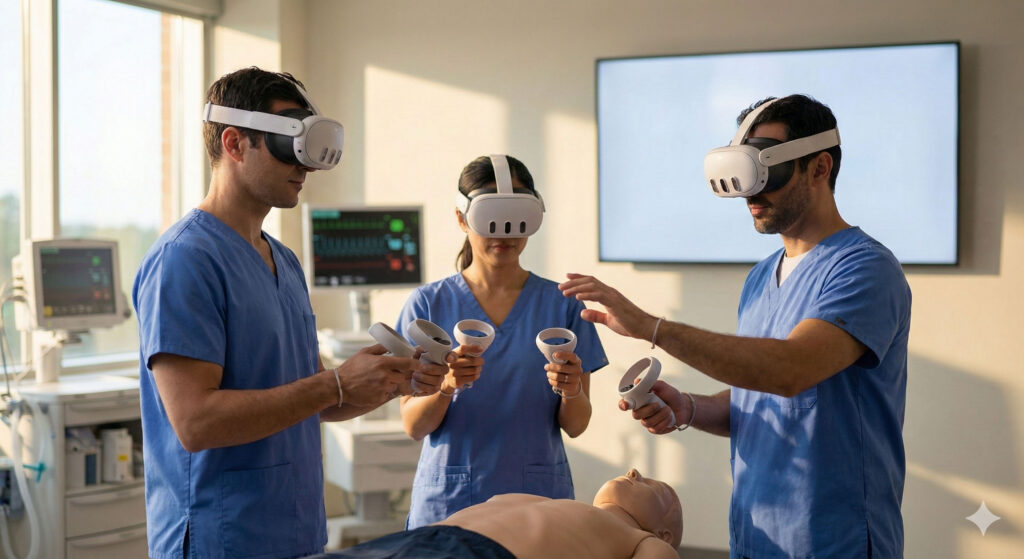
Most enterprise XR training teams already have an MDM in place — and so they should.
Tools like ArborXR, ManageXR, and Pico’s business tools are excellent at what they’re designed to do: keeping headset fleets secure, up to date, and deployable at scale.
But as XR training matures, many teams hit the same realisation: we can manage the devices just fine — but we still can’t really run the training.
This isn’t a failure of MDMs. It’s a category mismatch. Device management and training management are not the same problem.
MDMs Are Essential — Just Not Built for Training Operations
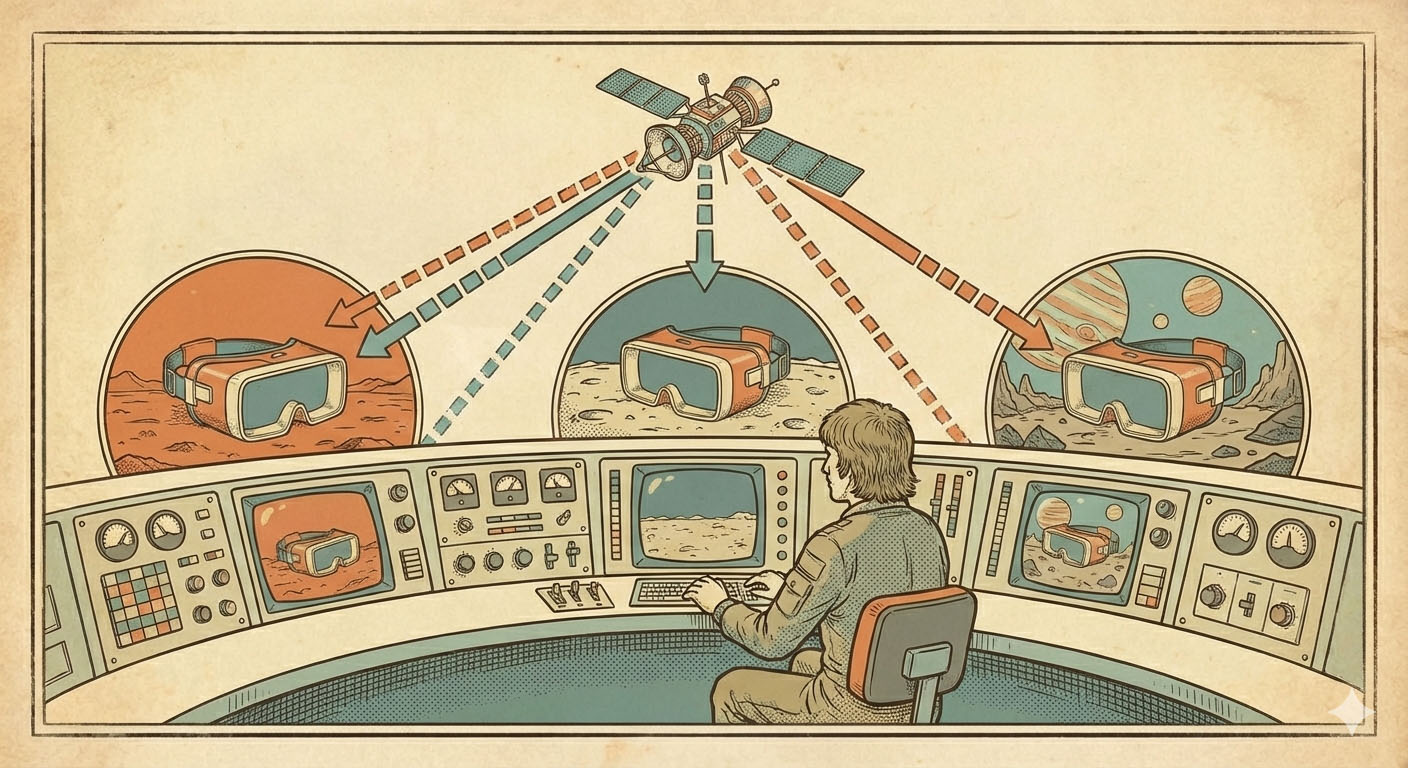
XR MDMs exist to solve IT and operations challenges. They handle enrolment, provisioning, app updates, device lockdown, fleet health monitoring, and content distribution across a fleet. For any serious XR deployment, this layer is non-negotiable. Without it, scale simply doesn’t happen.
But none of that was designed around learning.
An MDM won’t tell you how a learner moved through a scenario, where they hesitated, what they struggled with, or how a trainer supported them in the moment. That’s where training teams start to feel the gaps.
Where Training Teams Start to Struggle
Once XR training moves beyond pilots, the questions change quickly. Training teams stop asking “is the app installed?” and start asking things like: what are learners actually doing right now? Who needs support during a live session? How do we oversee multiple sessions at once without being onsite?
MDMs can tell you whether an app launched. They can’t tell you how learning unfolded inside it.
Screen casting might work locally for one headset, but it falls apart across locations, instructors, or cohorts. Device-level dashboards don’t help trainers understand learner behaviour or training quality. This is where the distinction gets sharp.
Device Management vs Training Management
It helps to separate the two jobs cleanly.
MDMs are built around devices, applications, deployment state, and security compliance. Training management is about learners, live sessions, coaching, quality, and outcomes. They’re related — but they’re not the same thing, and they don’t serve the same people.
Managing headsets keeps XR running. Managing training is what makes XR effective.
Trying to stretch an MDM to cover both usually leads to frustration — not because the tool is bad, but because it was never built for that job.
Why Real-Time Training Visibility Is a Different Layer
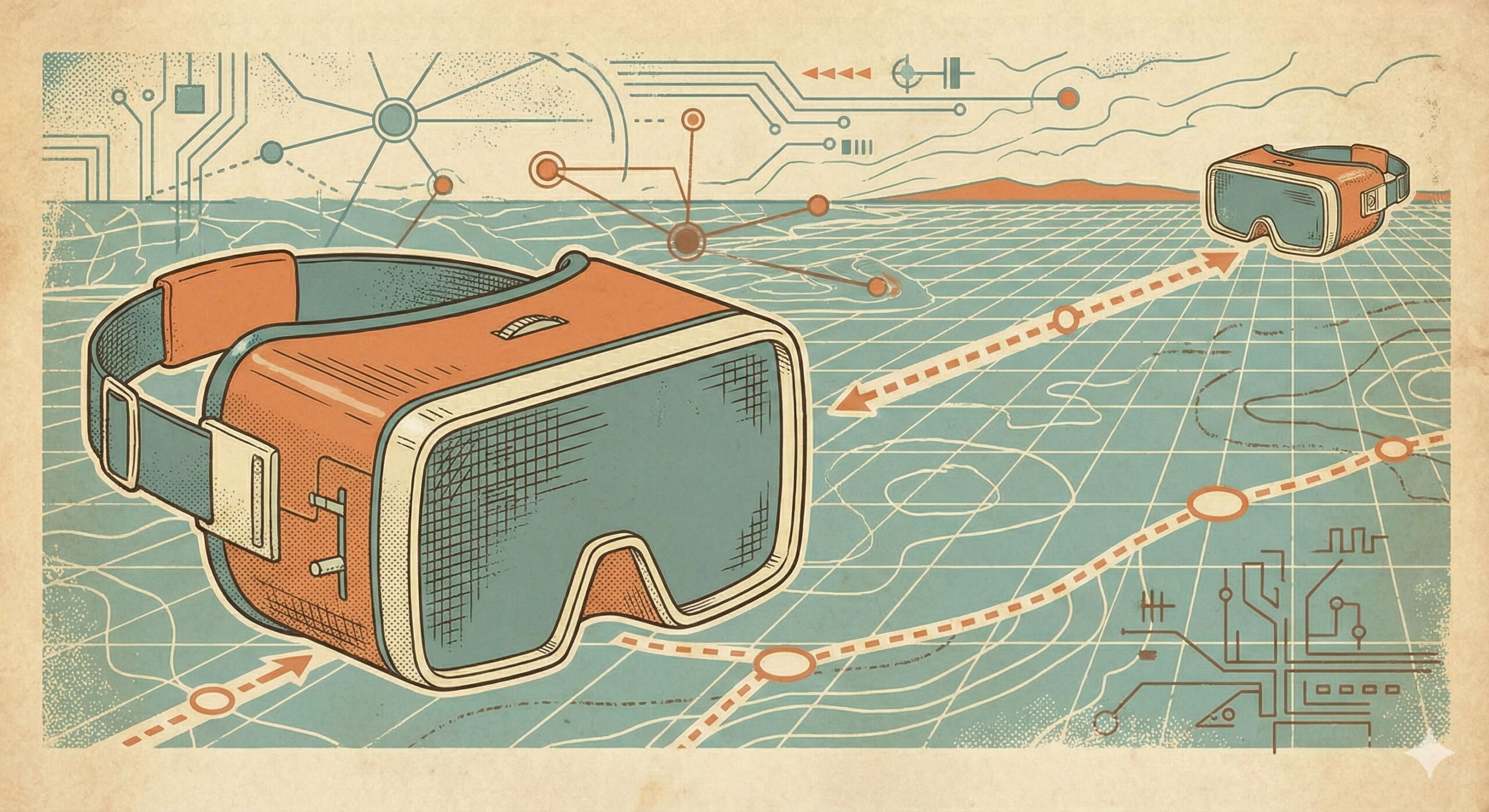
Training visibility isn’t just “remote viewing.”
For training teams, it means seeing what learners see regardless of where they are, monitoring multiple sessions simultaneously, switching between camera views inside an experience, and supporting learners without being onsite. It means understanding what’s happening as it happens, not piecing it together afterwards.
MDMs sit outside the learning experience by design. They issue commands to devices, but they don’t live inside sessions. That makes them the wrong place for live training oversight.
Training visibility needs to be session-centric rather than device-centric, learner-focused rather than IT-focused, and built for instructors and operators — not just admins. That’s a fundamentally different problem to solve.
What Effective XR Training Management Actually Looks Like
When training teams add a dedicated training-operations layer on top of their MDM, a few things change straight away.
Live visibility at scale. Instructors can see inside one session or many at once, remotely, without relying on local networks or manual casting. Centralised oversight becomes possible even across distributed sites.
Real-time session control. Training teams can step in when it adds value — moving learners between scenes, resetting or progressing sessions, recovering stuck experiences, guiding learners without touching the headset. This isn’t about micromanaging people. It’s about keeping training flowing when things go sideways.
Trainers stay involved without being onsite. One trainer can support multiple learners across locations. Quality stays consistent. Support becomes proactive instead of reactive.
This is the difference between deploying XR and actually operating it.
Why Cloud Recordings and Timestamped Analytics Matter
Training doesn’t end when the headset comes off.
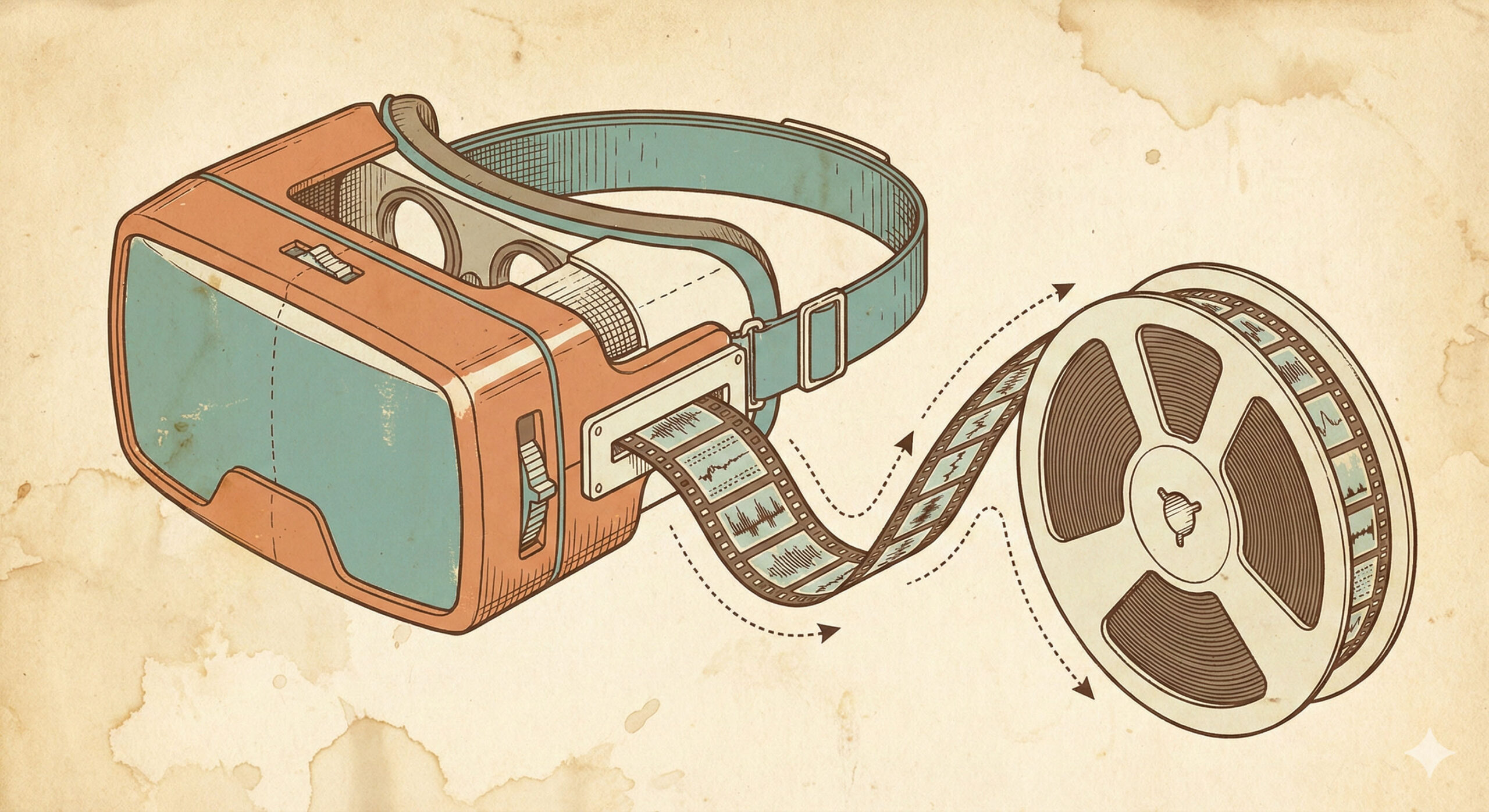
For teams running XR at scale, what happens after a session matters just as much as what happens during it. Cloud recordings let trainers and QA teams review full sessions or key moments, give structured feedback, support assessment and compliance requirements, and build evidence of training quality over time.
When recordings are paired with timestamped analytics, they get significantly more useful. Events are linked to exact moments in the session. Patterns emerge across learners and cohorts. Common sticking points become visible. Training improvements start being based on evidence rather than gut feel.
An MDM might show that an application ran successfully. It won’t show how learning actually happened. That distinction matters when you’re trying to prove ROI, standardise training, or improve outcomes over time.
Training Data Belongs With Learning Systems, Not Device Dashboards
There’s also a workflow problem worth mentioning.
Training teams live in LMS platforms, assessment tools, learning analytics dashboards, and instructor review processes. MDM dashboards are built for IT. They’re the wrong place to review learner behaviour, coaching effectiveness, or session quality.
Training data makes more sense when it integrates directly into learning systems, sits alongside other training metrics, and is accessible to the people who actually run the programmes — not just the people who manage the devices.
This is why effective XR training management tools integrate with LMS workflows rather than trying to compete with device-management platforms. Different job, different audience.
The Stack That Actually Works
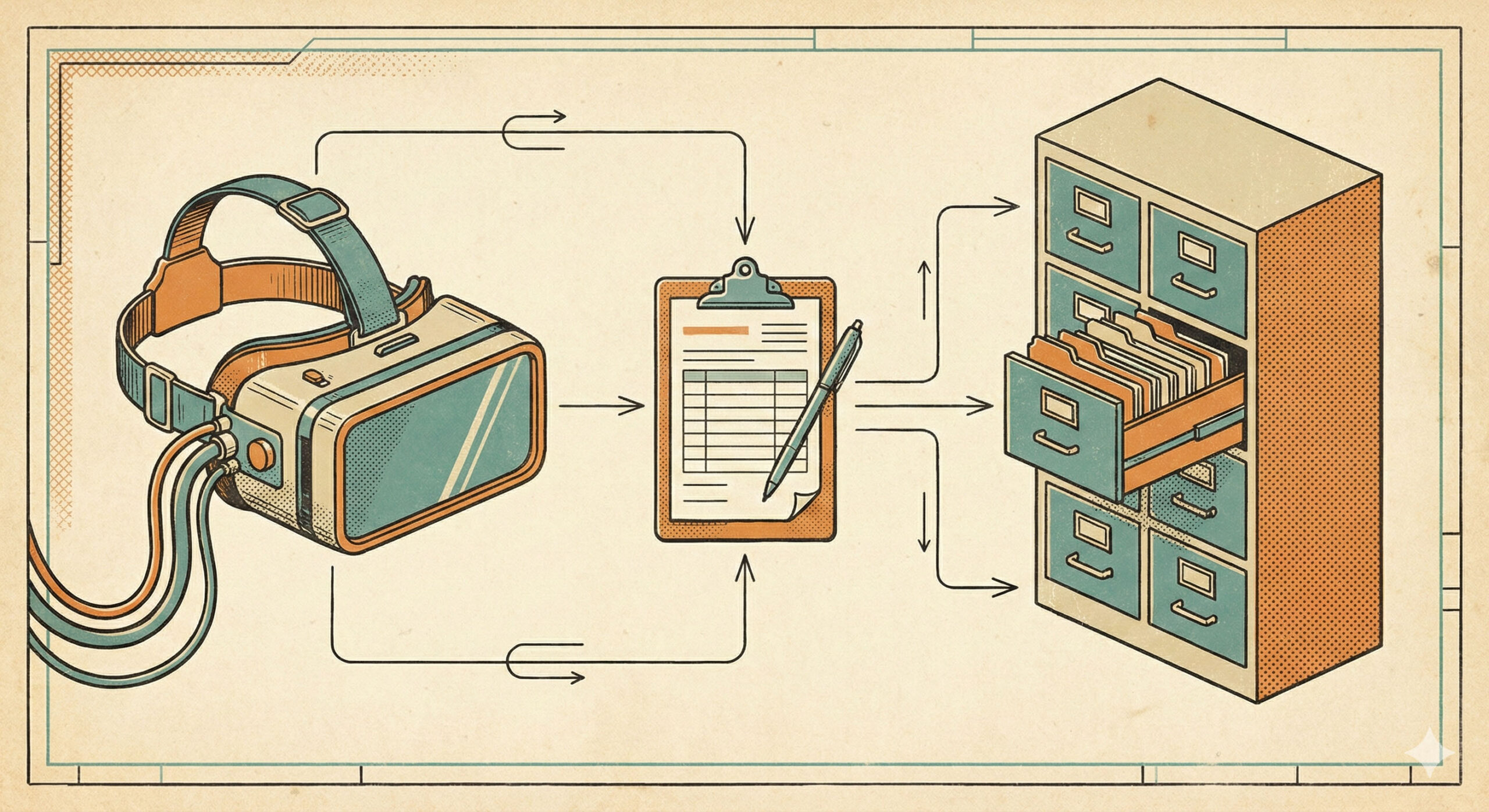
For teams running XR training at scale, the most effective setup is layered. MDM handles device provisioning, security, updates, and fleet health. A training management layer handles live visibility, session control, recordings, and learner analytics. The LMS handles programme tracking, assessment, and reporting.
Each tool does what it’s good at. Nothing gets forced into a role it wasn’t designed for.
This isn’t about replacing MDMs. It’s about filling in the gap between “devices are working” and “training is working.”
From Managing Headsets to Running Training
As XR training grows up, expectations rise with it.
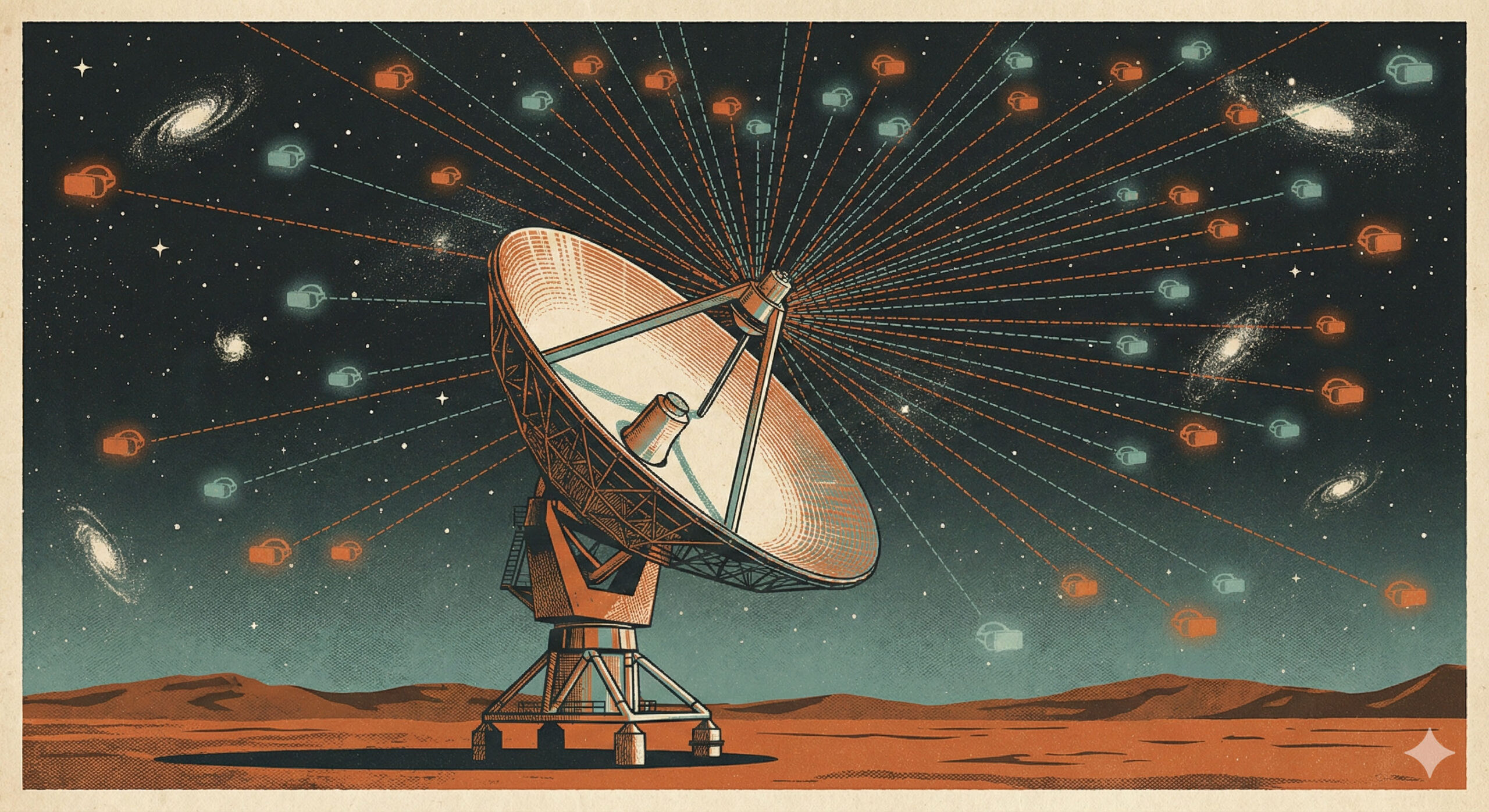
Enterprise teams don’t just want to deploy content. They want to see what’s happening during training, support learners in real time, review sessions properly, and improve outcomes at scale.
MDMs are a critical foundation — but they’re not the whole answer.
If you already have an MDM and still feel blind during sessions or empty-handed afterwards, the missing piece probably isn’t another device tool. It’s training-focused visibility, control, and insight — built around how learning actually happens, not how hardware gets managed.